When it comes to optimizing your gaming experience, the choice of an ergonomic gaming mouse can make a significant difference. The comfort and support offered by these specialized devices can enhance your performance during those lengthy gaming sessions. With a focus on reducing strain and promoting a more natural hand position, ergonomic mice are designed to keep you in the game for longer periods without discomfort. But what specific features should you be looking out for in these gaming peripherals? Stay tuned to discover the key considerations that can elevate your gaming experience to the next level.
Benefits of Ergonomic Gaming Mice
Enjoy improved comfort and reduced strain during your gaming sessions with ergonomic gaming mice. These specially designed mice are crafted to fit the natural contours of your hand, providing a more relaxed grip that minimizes muscle fatigue. By choosing an ergonomic gaming mouse, you’re investing in your long-term gaming experience by preventing discomfort and potential injuries that can arise from prolonged use of traditional mice.
With ergonomic gaming mice, you can say goodbye to wrist pain and carpal tunnel syndrome. The ergonomic design promotes a more neutral wrist position, reducing the stress on your joints and muscles. This can lead to enhanced gameplay performance as you focus more on the game itself rather than discomfort in your hand and wrist.
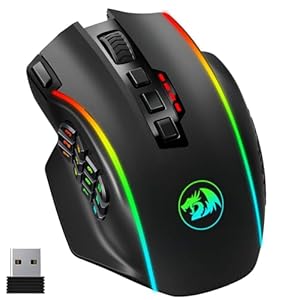
Additionally, ergonomic gaming mice often come with customizable features such as adjustable DPI settings and programmable buttons, allowing you to tailor the mouse to your specific gaming needs. This level of customization can give you a competitive edge and further enhance your gaming experience.
Key Features to Consider
When selecting an ergonomic gaming mouse, it’s essential to consider key features that can enhance your gaming experience. One crucial feature to look for is adjustable DPI settings. DPI, or dots per inch, determines how sensitive the mouse is to your movements. Having the ability to adjust DPI levels allows you to customize the mouse’s sensitivity to match your preferences and gaming style.
Another important feature is programmable buttons. These customizable buttons can be assigned specific functions or macros, giving you quick access to complex commands without having to reach for the keyboard. This feature can significantly improve your gaming performance and efficiency during intense gameplay.
Additionally, consider the mouse’s ergonomics. Look for a design that fits comfortably in your hand and supports a natural grip to prevent fatigue during long gaming sessions. A mouse with a textured surface or rubberized grips can also enhance control and precision.
Top Recommendations for Gamers
For gamers seeking top recommendations in ergonomic gaming mice, prioritizing comfort, functionality, and performance is key.
The Logitech G502 Proteus Spectrum is a popular choice, offering customizable weight options, a comfortable grip, and advanced optical sensors for precise tracking.
Another excellent option is the Razer DeathAdder Elite, known for its ergonomic design, responsive buttons, and high-precision sensors, making it ideal for long gaming sessions.
If you prefer a wireless option, the Corsair Dark Core RGB SE is worth considering, featuring customizable side grips, wireless charging capabilities, and a high-performance sensor.
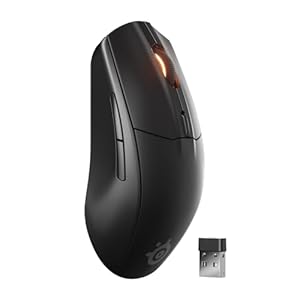
For those with smaller hands, the SteelSeries Rival 110 is a compact yet powerful choice, offering a comfortable grip, customizable buttons, and impressive tracking accuracy.
Lastly, the Zowie EC2-A is favored for its simple yet effective design, precise tracking capabilities, and comfortable shape, making it a reliable choice for gamers prioritizing performance and comfort.
Tips for Using Ergonomic Mice
To optimize your experience with ergonomic mice, remember to adjust the settings to suit your preferences and comfort level. Start by customizing the sensitivity of the mouse to ensure smooth and precise cursor movements. Experiment with different DPI settings to find what works best for you in various tasks or games. Additionally, make use of the programmable buttons on your ergonomic mouse. Assign frequently used commands or macros to these buttons for quick access, reducing strain on your hand and wrist.
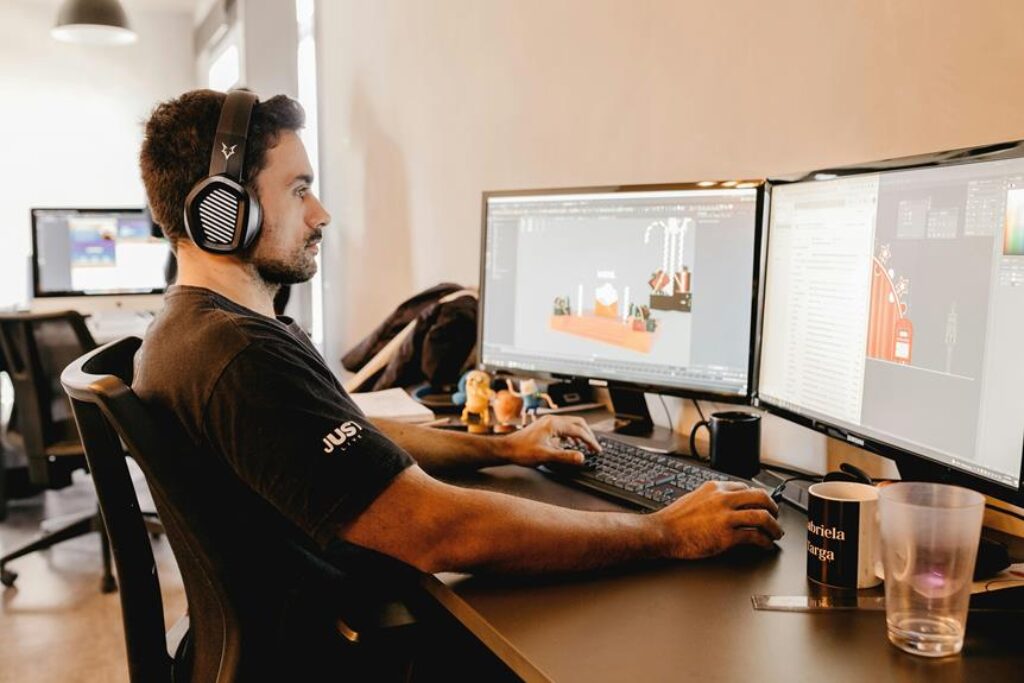
Maintaining good posture while using your ergonomic mouse is essential. Keep your wrist in a neutral position to prevent discomfort or potential injuries. Consider using a mouse pad with a wrist rest to provide additional support. Remember to take short breaks to stretch and rest your hands during long gaming sessions.
Lastly, ensure that your ergonomic mouse is clean and free of dust or debris. Regularly wipe down the surface and check for any obstructions that may affect its performance. By following these tips, you can make the most out of your ergonomic mouse and enjoy comfortable gaming sessions.
Trending Products